米Micosoftが主催する開発者カンファレンスが毎年米国で開催されます。Microsoft Buildです。2022年までは新型コロナで対人開催は中止されていましたが、2023年からは対人の開催も開始され、2025年も2023年/2024年と同じ場所の米国ワシントン州のシアトルで開催されました。会場の雰囲気などを報告したいと思います。なお、この投稿では基調講演やブレイクアウトセッションの内容にはほぼ触れていません。
この投稿では、Microsoft Buildの雰囲気を伝える内容に特化しています。基調講演やセッションの内容については、いろいろな方がWEBで発信しているので、WEB検索するなどして、別のサイトを参照してください。
日程
さて、今年のMicrosoft Build 2025は、以下の日程で開催されました。
2024年までは、しばらく3日間の開催でしたが、2025年は4日間での開催です。4日間の開催は、過去は2011年と2012年なので、それ以来の久しぶりです。
| Day 0 5月18日(日) | Badge and T-shirt pick-up 参加証とTシャツの取得 |
| Day 1 5月19日(月) | Badge and T-shirt pick-up, Imagine Cup, Keynote, Breakout sessions, On-demand Labs & Assessments, The Hub, Certification, Microsoft Build and NVIDIA Mixer 参加証とTシャツの取得、イマジンカップ、 基調講演、ブレイクアウト セッション、オンデマンドラボと評価、ハブ、Microsoft認定資格、Microsoft Build and NVIDIA 懇親会 |
| Day 2 5月20日(火) | Badge and T-shirt pick-up, Keynote, Breakout sessions, On-demand Labs & Assessments, The Hub, Certification 参加証とTシャツの取得、基調講演、ブレイクアウト セッション、オンデマンドラボと評価、ハブ、Microsoft認定資格 |
| Day 3 5月21日(水) | Badge and T-shirt pick-up, Breakout sessions, On-demand Labs & Assessments, The Hub, Certification, Microsoft Build and AMD Celebration 参加証とTシャツの取得、ブレイクアウト セッション、オンデマンドと評価、ハブ、Microsoft認定資格、Microsoft Build and AMD パーティー |
| Day 4 5月22日(木) | Badge, Breakout sessions, On-demand Labs & Assessments, The Hub, Certification 参加証、ブレイクアウト セッション、オンデマンドと評価、ハブ、Microsoft認定資格 |
基調講演では、これからの方向性や新しい製品・新しい技術などが紹介されます。
ブレイクアウト セッションでは、基調講演で新しく発表されたものも含め、掘り下げた内容や技術情報など詳しい内容の説明があります。
オンデマンドラボと評価では、実際にPC上で作業して技術の習得をします。
また、期間を通して、Level 4で「The Hub」が開催されており、Sponsors, Exhibitors, Microsoftがブースを構えていろいろな技術説明・展示をしていました。
開催場所は、
- ワシントン州会議場 (WSCC: Washington State Convention Center)
です。
ワシントン州会議場は、現在は異なるブロックに二つの建物があります。
- Arch building: 800 Pike St, Seattle, WA 98101
- Summit building: 900 Pine St, Seattle, WA 98101
ArchビルディングとSummitビルディングです。
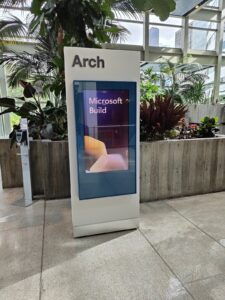
2025年も2023年/2024年と同じワシントン州会議場です。対面開催がCOVID-19により中断されるまでの2019年まではArchビルディングでした。2019年時点ではSummitビルディングは建築中でした。2023年/2024年は新築された建物であるSummit ビルディングでした。Summitビルディングは、Archビルディングの二つ北側のブロックとなります。
2025年も引き続きSummitビルディングかと思ったのですが、Archビルディングに戻りました。
Day 2 (5月20日(火))
| Time | Description | Location |
|---|---|---|
| 7:00 AM – 7:00 PM | Badge pick-up: Arrive early and pick up your badge, grab a cup of coffee before the keynote. | Level 4 |
| 9:00 AM – 11:00 AM | Unpacking the tech: Jay Parikh, Charles Lamanna, Scott Guthrie and friends will dig deeper into the news announced on Day 1, with a focus on the role developers play in helping enterprises successfully embrace AI and digital transformation, the latest in Copilot, Azure, GitHub, and Windows AI innovations, and the significance of trust, security, and governance in all we do. | Level 4 Hall 4EF Skybridge |
| 11:00 AM – 5:30 PM | Certification: Get certified! Be sure to take one Microsoft and one GitHub certification exam free of charge at the Arch at 800 Pike, Level 3, outside Room Tahoma 5. Microsoft exams require registration and GitHub exams are first-come, first-served. Visit Microsoft Learn to get more information on onsite certification testing. | Pike 800 Level 3 Room Tahoma 5 |
| Microsoft Learn On-Demand Lab: Visit the Microsoft Learn On-Demand Lab located in 800 Pike, Level 3, for training sessions and self-paced lessons. | Pike 800 Level 3 | |
| 11:00 AM – 6:30 PM | T-shirt pick-up: Get your official Microsoft Build shirt, custom made with Intel today! | Level 4 Room 400 |
| 11:00 AM – 6:30 PM | The Hub: Bring your technical questions to the Hub. Meet with Microsoft engineers, tech specialists, community & partner experts. | Level 4 |
| 11:30 AM – 6:00 PM | Breakout sessions: Join a breakout session streamed live from Seattle. | Levels 3, 4 and 6 |
| 12:30 PM – 2:00 PM | Lunch pick-up: Grab your lunch, find a place to refuel, and connect with others. | Level 4 Room 4A Level 6 Room 6E |
| 1:00 PM – 6:30 PM | AI Agent Open Hack: | Level 6 |
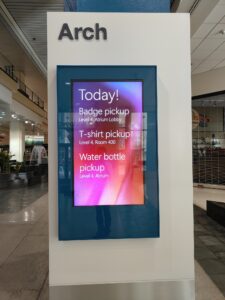
Build 2025の Day 2 (二日目) も最初に基調講演があります。
今回の投稿では、Build 2025の期間中に開催されていたThe Hubで、マイクロソフトのブースのうち、Experts Meetupブースト、GitHub Experienceブースについて紹介します。
The Hub
Microsoft Buildの会場には、4階のホール全体を使ってThe Hubという展示会みたいなエリアが用意されています。
The Hubには以下のエリアがあります。
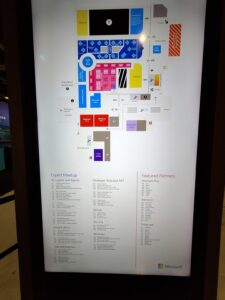
- Expert Meetup
- Featured Partners booth
- Launch
- Theater
- Community
- Code for Good
- Microsoft for Startups
- GitHub Experience
- Microsoft Learn
- Vibe Coding
今回の投稿では、この中でExpert MeetupとGitHub Experienceについて紹介します。
Expert Meetup
Expert Meetupは、Microsoftの製品やサービスのエキスパートが常駐しているブースとなります。製品やサービスの説明受けたり、技術的な質問などもできたりします。
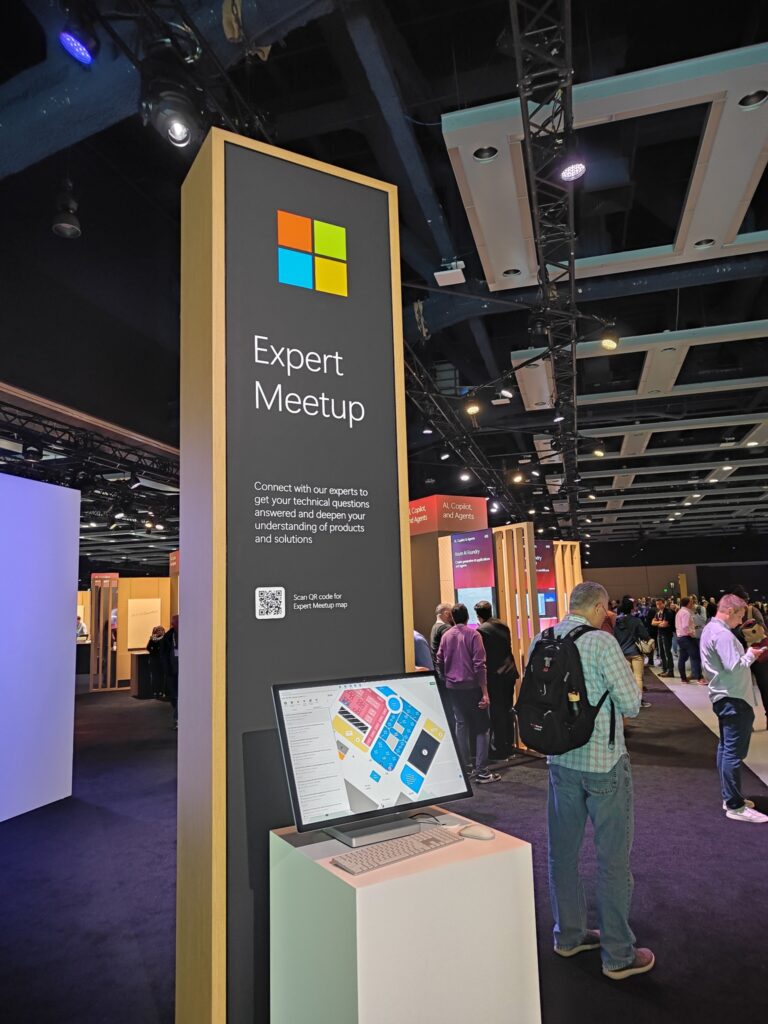
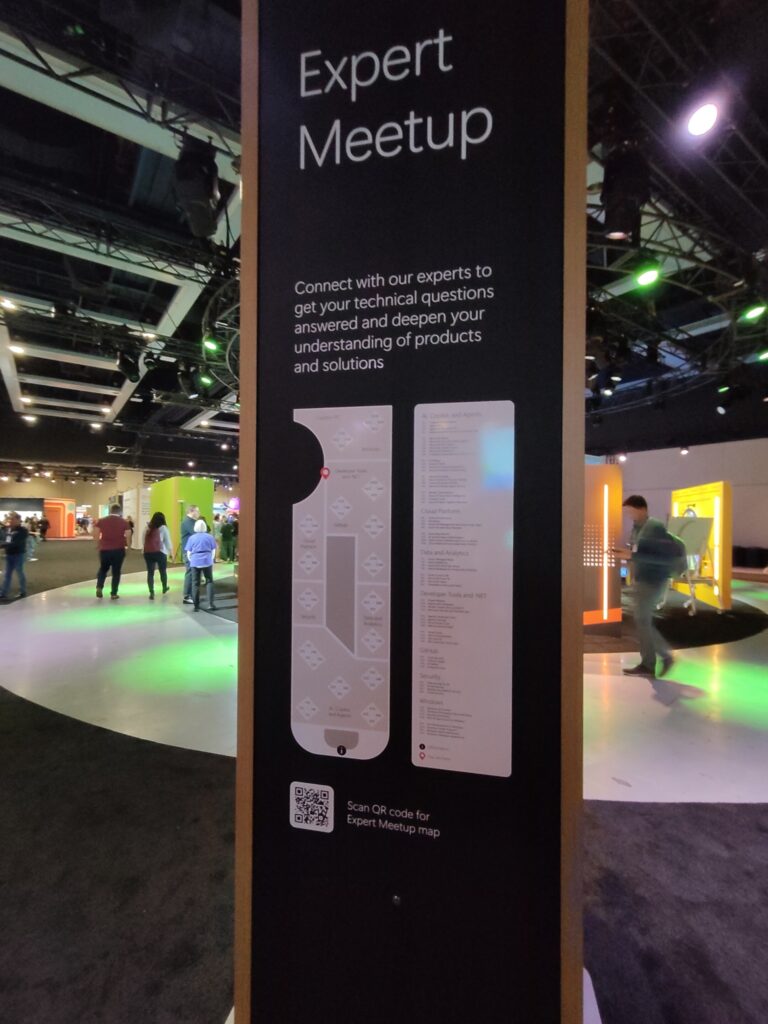
このExport Meetupエリアは、以下の7つのカテゴリで展示されています。
- AI, Copilot, and Agents
- Cloud Platform
- Data and Analytics
- Developer Tools and .NET
- GitHub
- Security
- Windows
各カテゴリで説明していた製品やサービスを紹介します。
AI, Copilot, and Agents
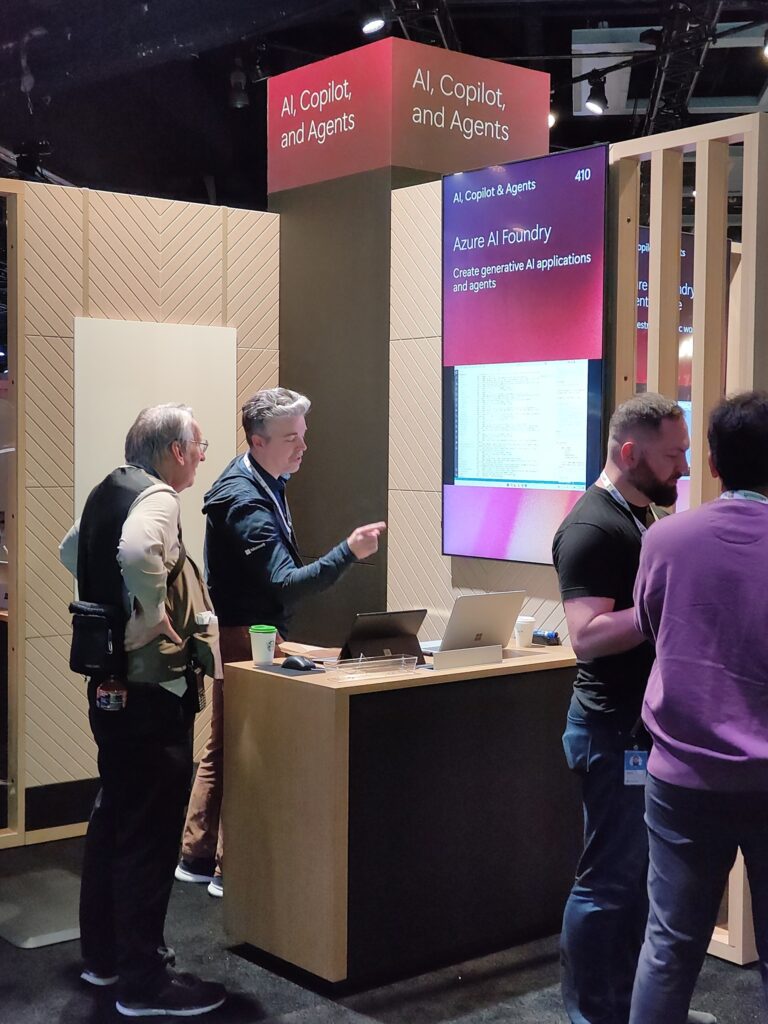
AI, Copilot, and Agentsカテゴリは、近年のMicrosoft BuildでメインのカテゴリとなっているAIやCopilot、今年のMicrosoft BuildでメインとなったAgentsを含むカテゴリのエリアです。
下記の22個のブースがありました。各項目の先頭の番号はブース番号です。
- 110 Copilot Control System
- 120 Agent Store
- 130 Agents in Microsoft 365
- 140 Agents and MCP servers for Dynamics 365
- 210 Microsoft Teams
- 220 Microsoft Security Copilot agents
- 230 Microsoft 365 Copilot
- 240 Microsoft Copilot Studio
- 250 Microsoft SharePoint
- 260 Computer using Agents in the real world
- 310 AI Skilling
- 320 Azure AI Tools
- 330 Azure AI Foundry Observability
- 340 Azure AI Content Safety
- 410 Azure AI Foundry
- 420 Azure OpenAI in Foundry Models
- 430 Azure AI Foundry Models
- 440 Azure AI Foundry Agent Service
- 510 Model Customization
- 520 Azure AI Document Intelligence
- 530 Foundry Local
- 540 Azure AI Search Agentic Retrieval
Cloud Platform
Cloud Platformカテゴリは、開発時や開発したサービスを縁の下で支えるプラットフォームサービス群のエリアです。
下記の8個のブースがありました。各項目の先頭の番号はブース番号です。
- 910 Azure Infrastructure
- 920 Serverless
- 930 Azure API Management and Azure Logic Apps
- 940 Azure Arc and Azure Monitor
- 1010 Azure App Service
- 1020 AI-assisted app modernization
- 1030 Open Source Software and Linux on Azure
- 1040 Cloud Native & Azure Kubernetes Service
Data and Analytics
Data and Analyticsカテゴリは、データの保存やそのデータを解析することをサポートするサービス製品群のエリアです。
下記の8個のブースがありました。各項目の先頭の番号はブース番号です。
- 710 Azure Managed Redis
- 720 Azure Databricks
- 730 Azure SQL & SQL Server
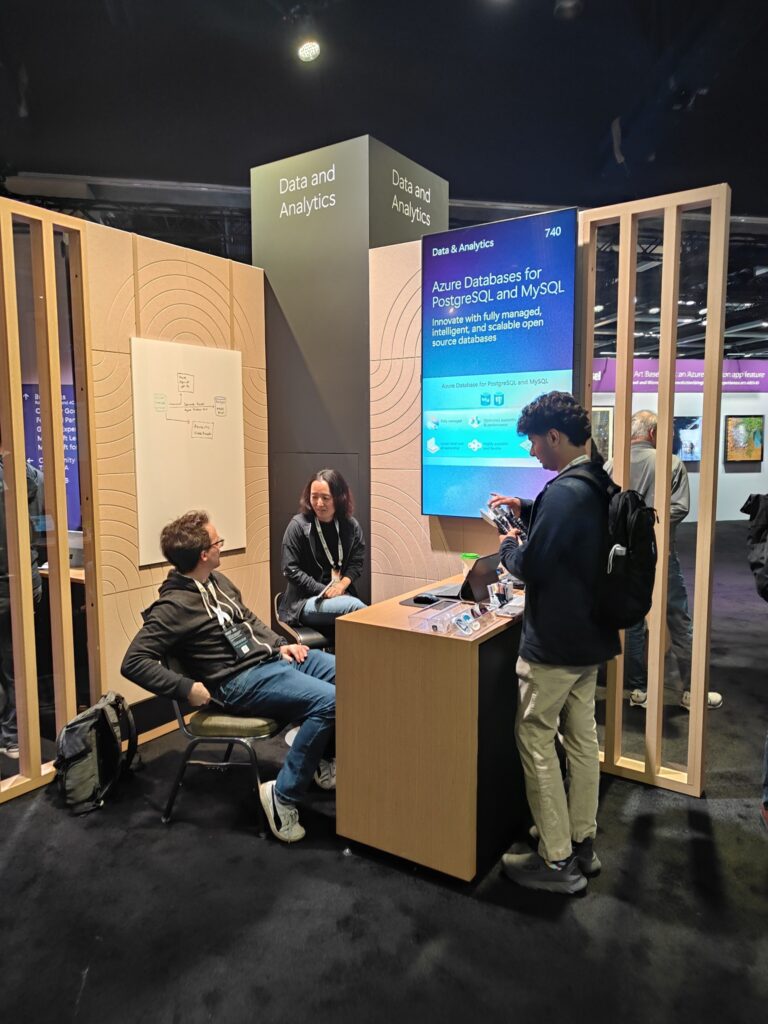
- 740 Azure Databases for PostgreSQL & MySQL
- 810 Azure Cosmos DB
- 820 Microsoft Power BI
- 830 Microsoft Fabric
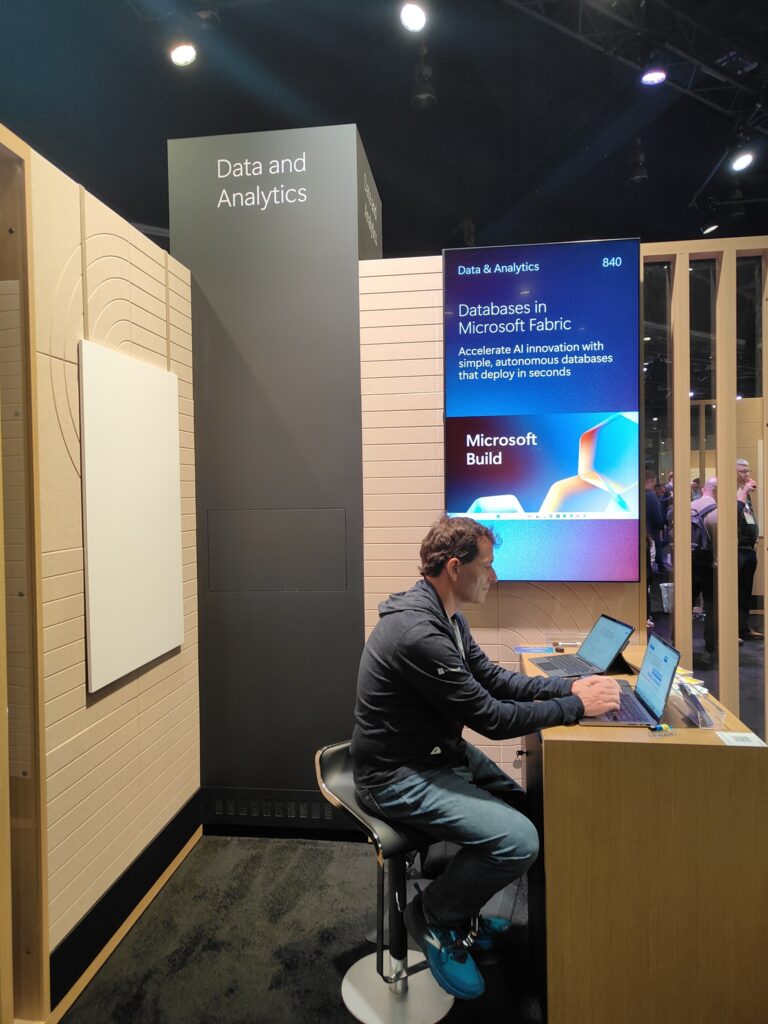
- 840 Databases in Microsoft Fabric
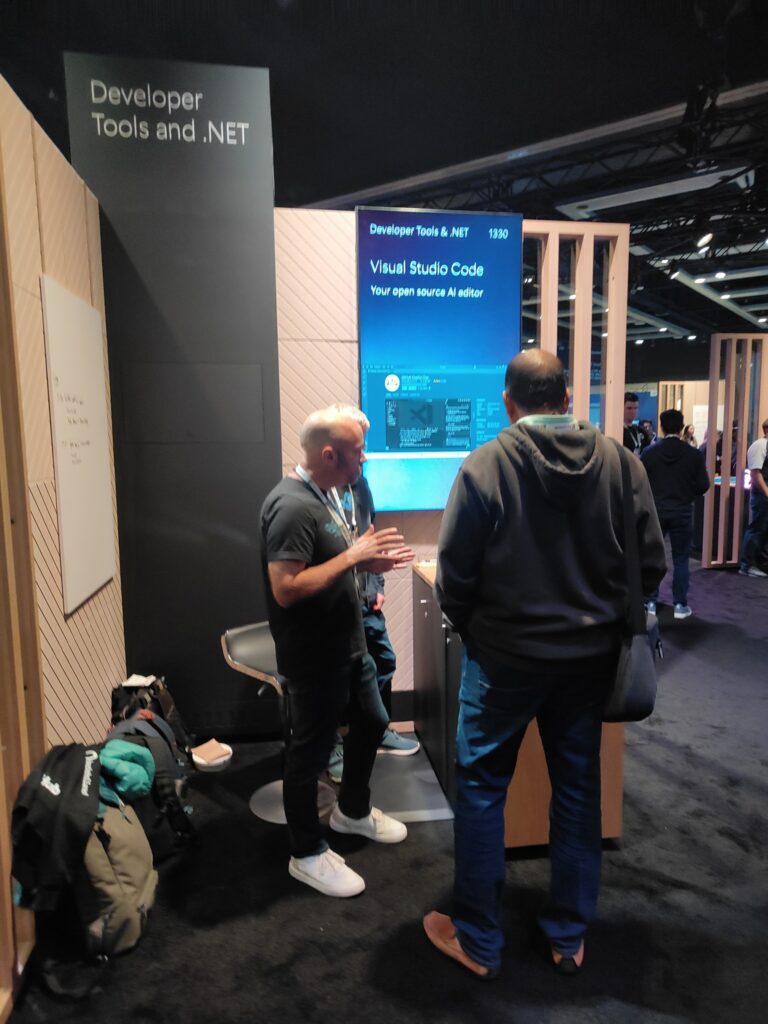
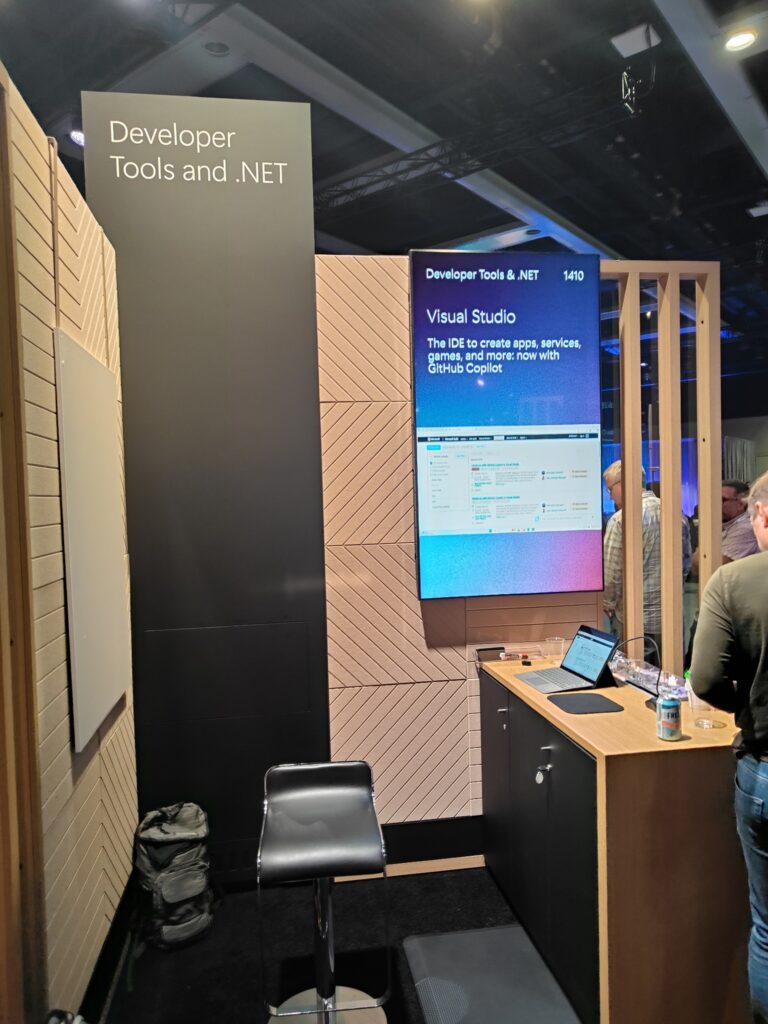
Developer Tools and .NET
Developer Tools and .NETカテゴリは、ソフトウェア開発に使うツール・サービス群と.NETのサービス製品群のエリアです。
下記の12個のブースがありました。各項目の先頭の番号はブース番号です。
- 1210 Power Platform
- 1220 Agents with Dataverse
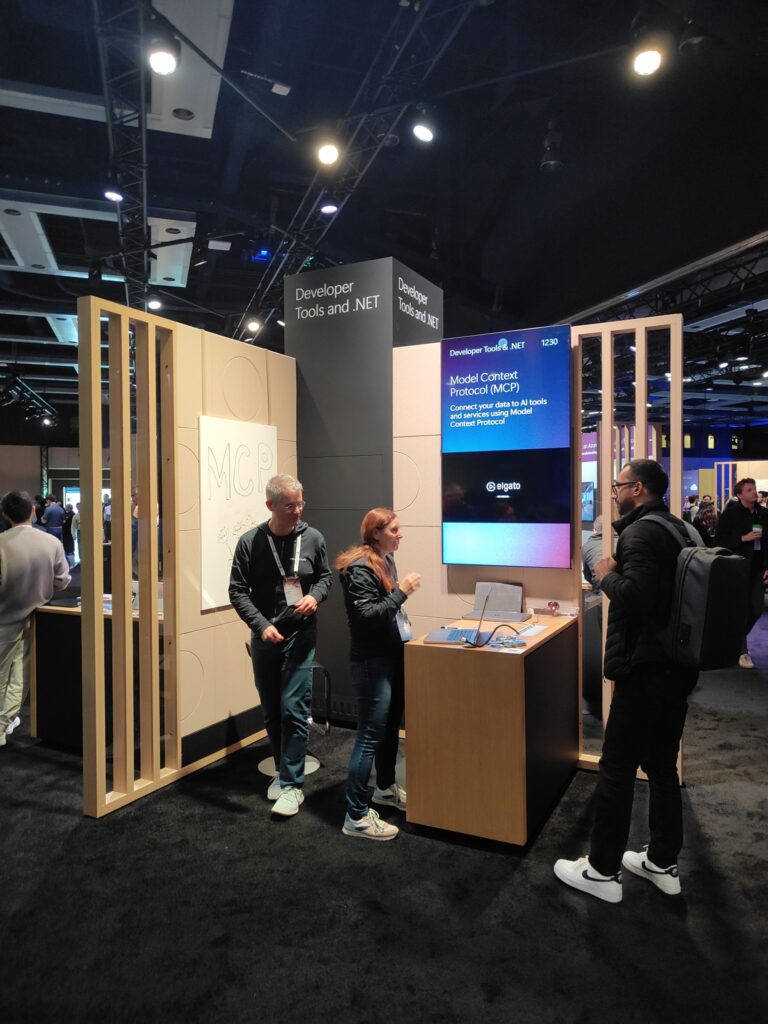
- 1230 Model Context Protocol (MCP)
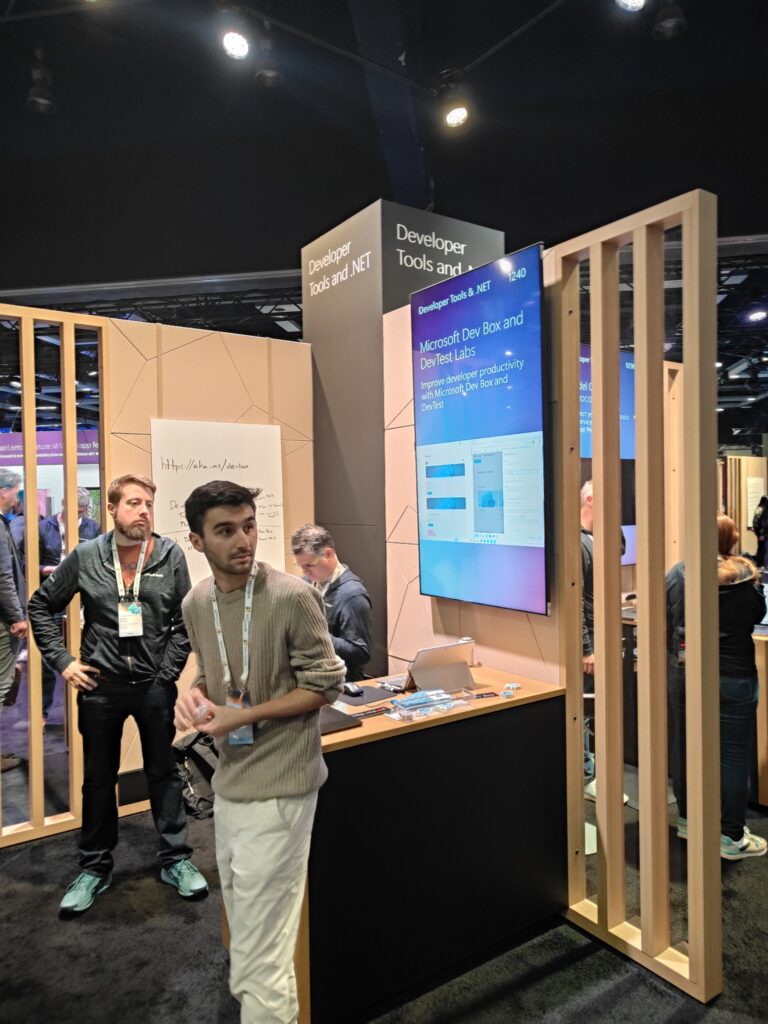
- 1240 Microsoft Dev Box and DevTest Labs
- 1310 Agentic Developer Tools
- 1320 Agentic DevOps
- 1330 Visual Studio Code
- 1340 Well-Architected SaaS
- 1410 Visual Studio
- 1420 .NET AI Development
- 1430 .NET and C#
- 1440 .NET Aspire for Cloud Apps
GitHub
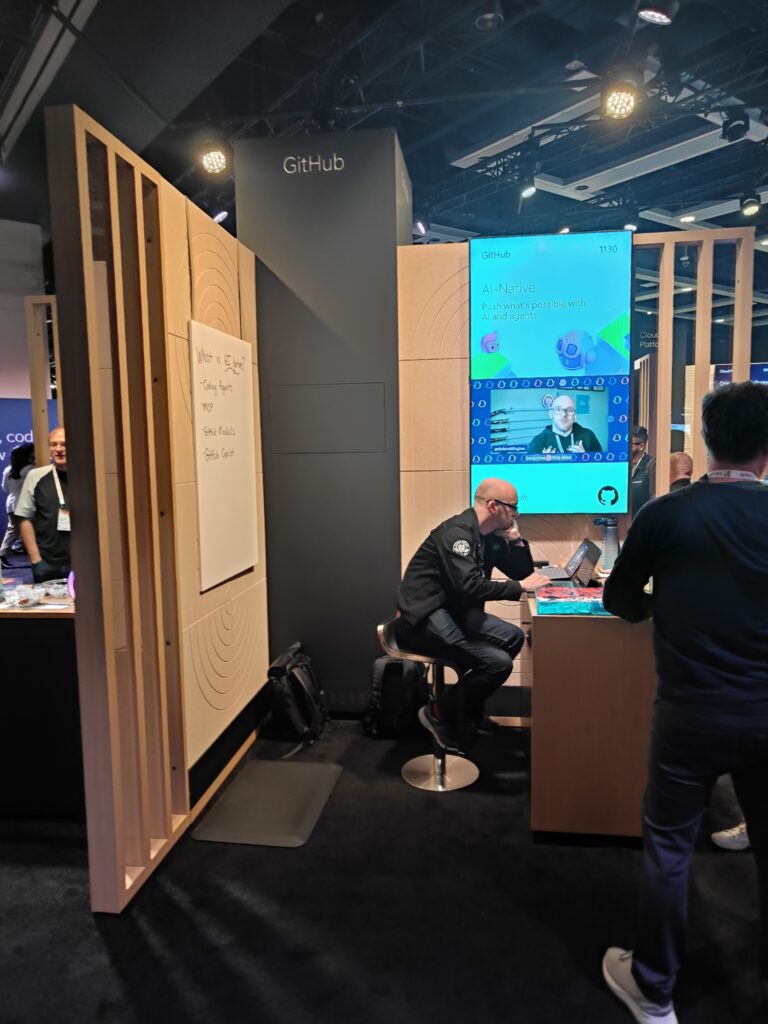
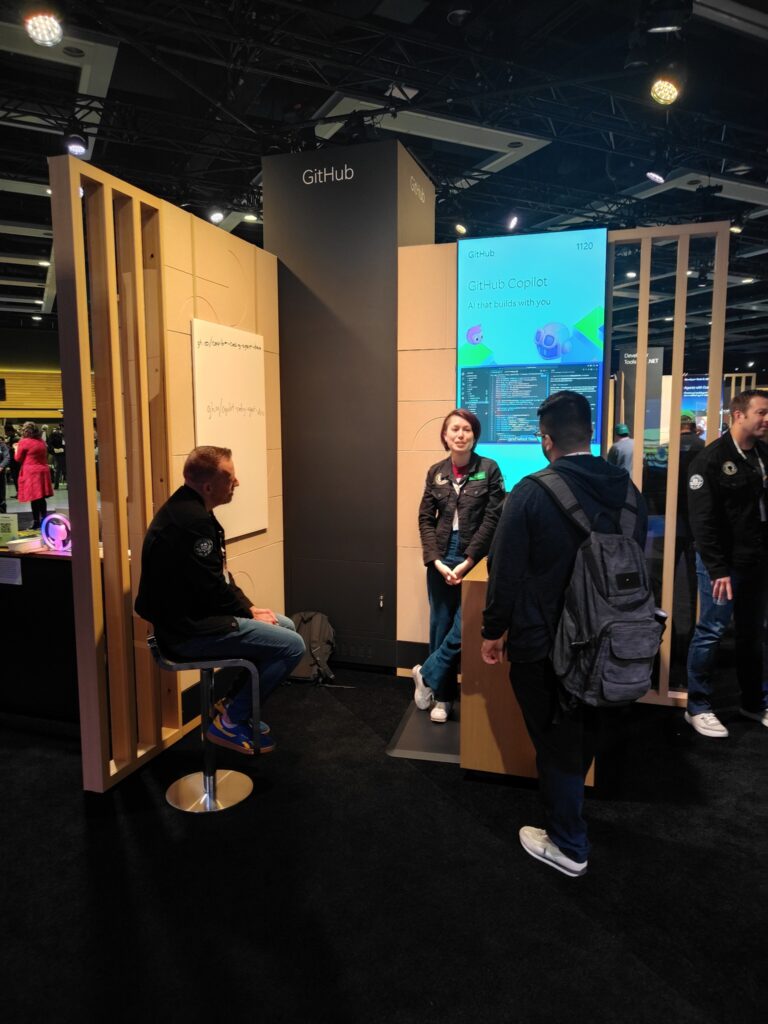
GitHubだけで一つのカテゴリを構成していました。
下記の4個のブースがありました。各項目の先頭の番号はブース番号です。
- 1110 Code Security
- 1120 GitHub Copilot
- 1130 AI-Native
- 1140 Enterprise Scale
Security
Securityカテゴリのエリアです。
下記の4個のブースがありました。各項目の先頭の番号はブース番号です。
- 610 Data security for AI
- 620 AI red teaming
- 630 Identity and network security
- 640 Cloud security
Windows
Windowsカテゴリは一番身近なWindows製品の技術エリアです。
下記の8個のブースがありました。各項目の先頭の番号はブース番号です。
- 1510 Windows AI Foundry
- 1520 Windows 3P AI apps & Microsoft Store
- 1530 Security and Privacy
- 1540 MCP & App Actions on Windows
- 1610 Arm Development on Windows
- 1620 Windows Insider Program
- 1630 Windows App Development
- 1640 Windows Developer experiences
GitHub Experience
Experts Meetup のGitHubカテゴリエリアとは別に、GitHub Experienceエリアがありました。このは一番身近なWindows製品の技術エリアです。
下記のようなブースがありました。
- PIXEL PILOT with GitHub Copilot
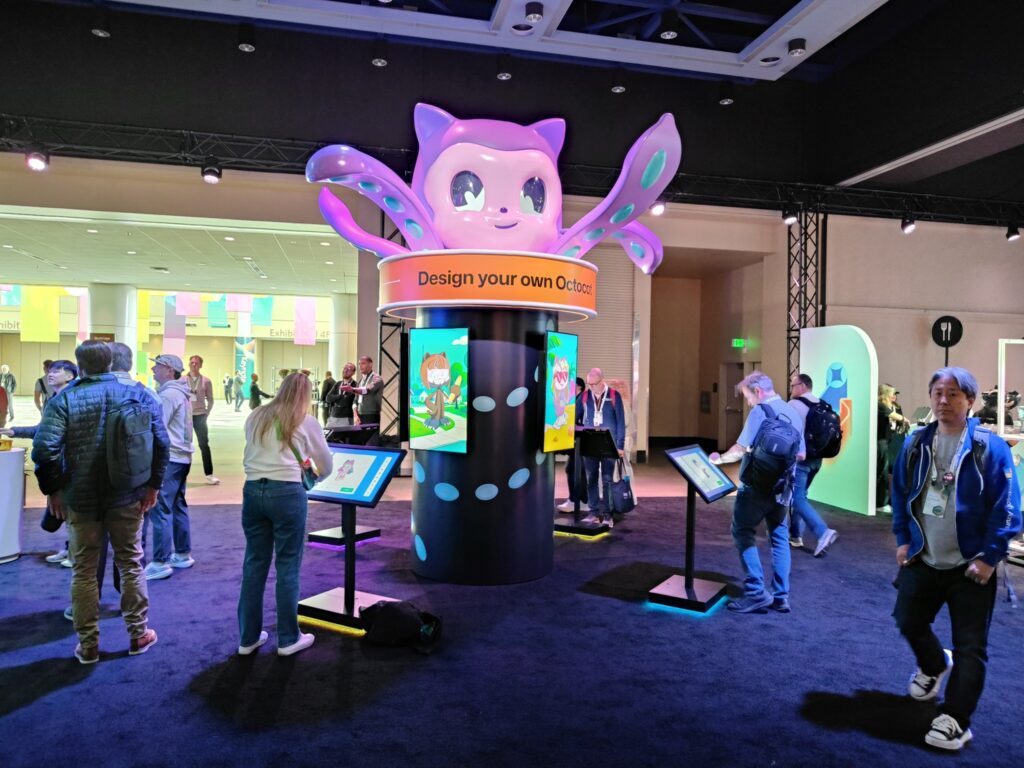
- Design your own Octocat
- GitHub Events visualizer
- GitHub store
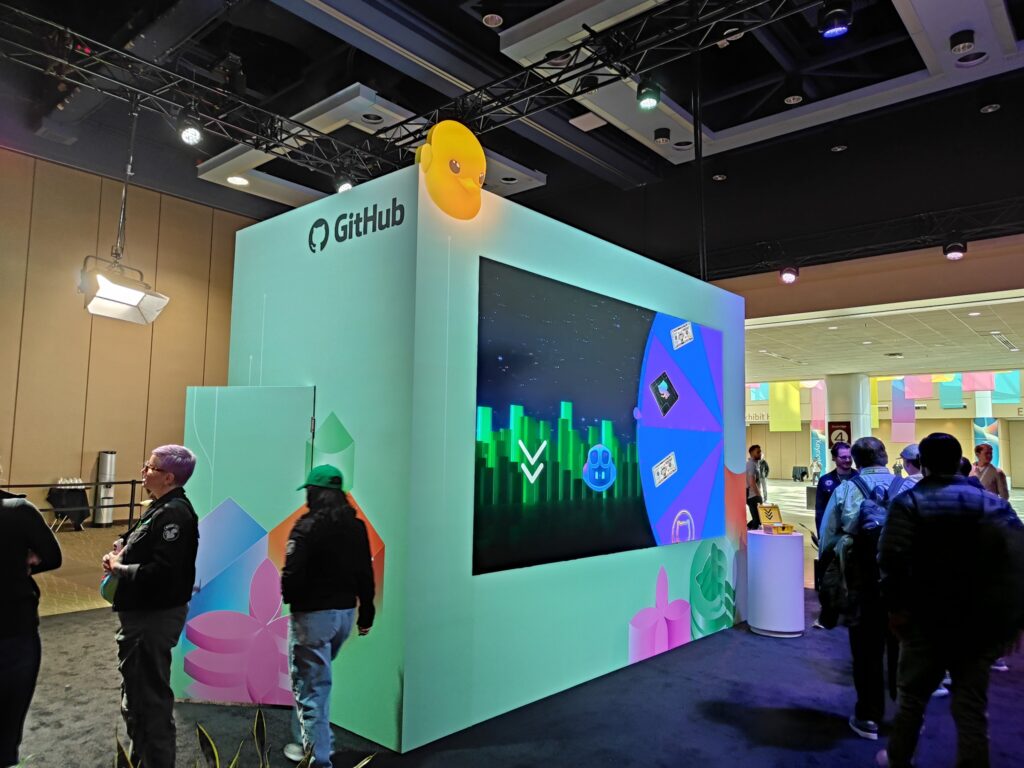
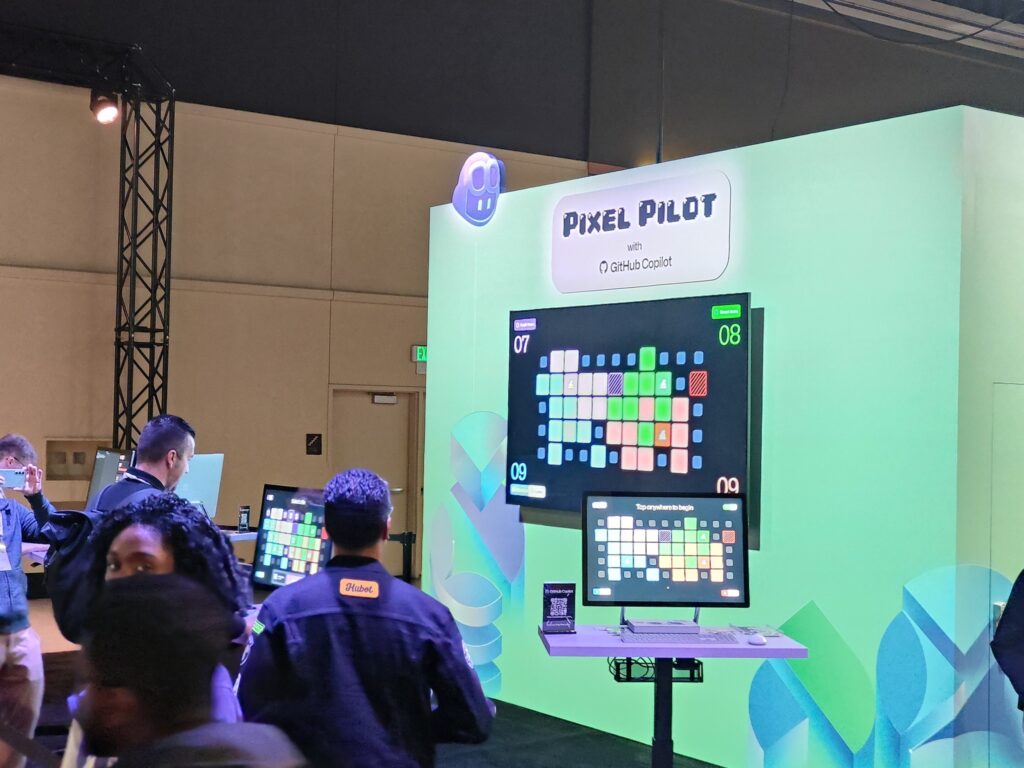
PIXEL PILOT with GitHub Copilotでは、ブースの前におかれた4つの端末で何か競い合っていたようです。ちゃんと内容を確認していないので、詳細は不明です。
Design your own Octocat では、ブースの周り(4か所)に置かれた端末で、Octocat の塗り絵をしていました。
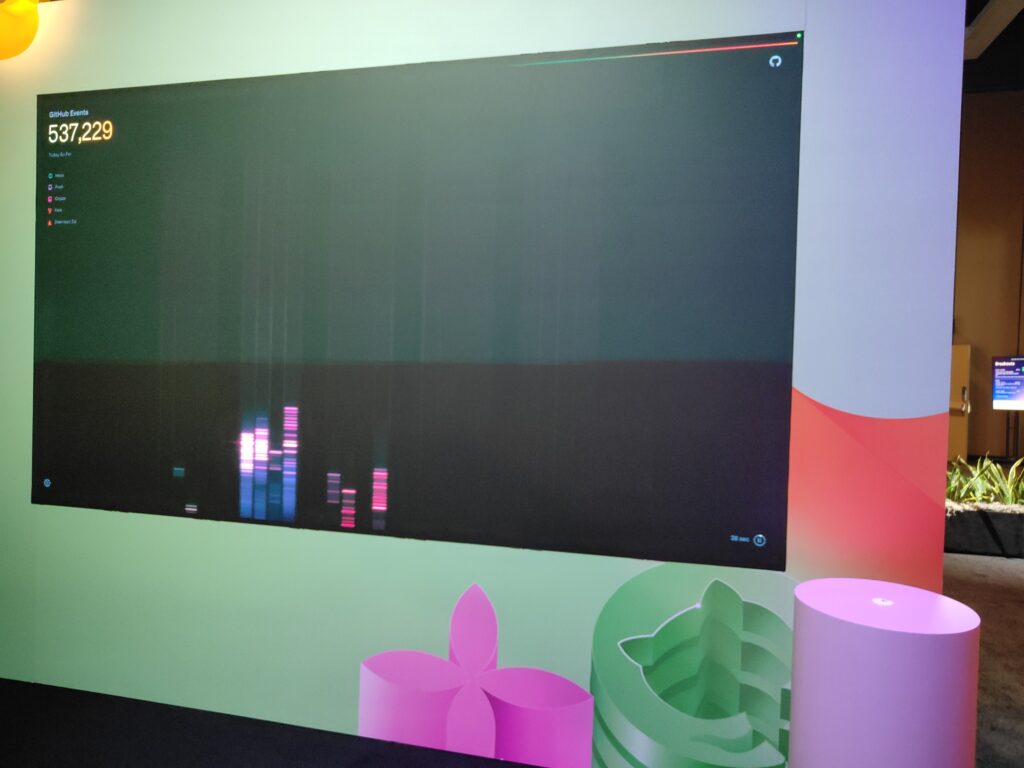
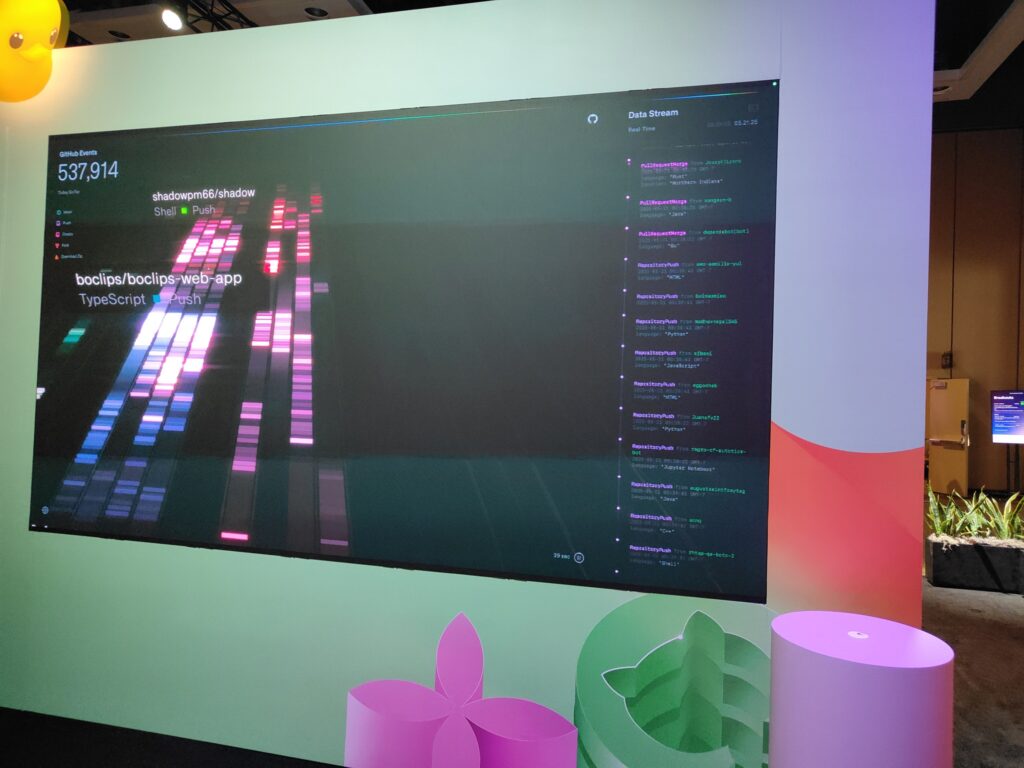
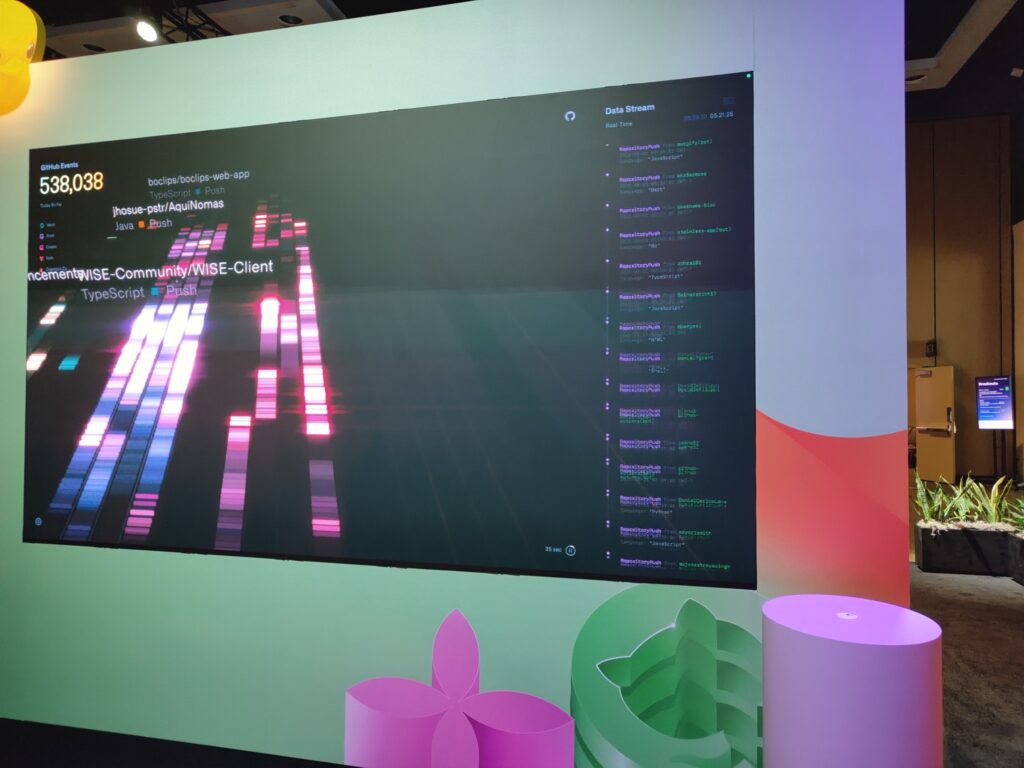
GitHub Eventsを画像化していたデモがありました。レポジトリへのプッシュやプル陸エス尾のマージなどのイベントが発生したら、それらが画面にビジュアライズされていました。
下記の画面では、一つ目の画面ではshadowpm66/shadowや boclips/boclips-web-app レポジトリのプッシュ、二つ目の画面では jhosue-pstr/AquiNomasや WISE-Community/WISE-Clientレポジトリのプッシュがビジュアライズされています。
このGitHub Experienceエリアには、GitHub Shopもあり、GitHubに関するグッズが販売されていました。
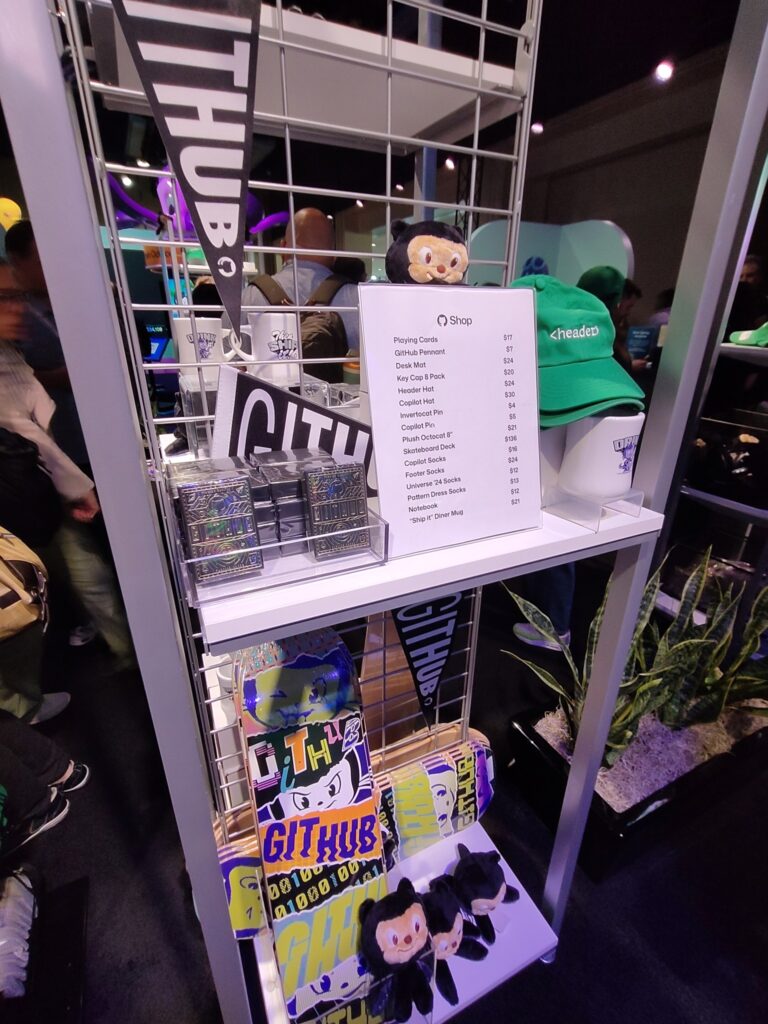
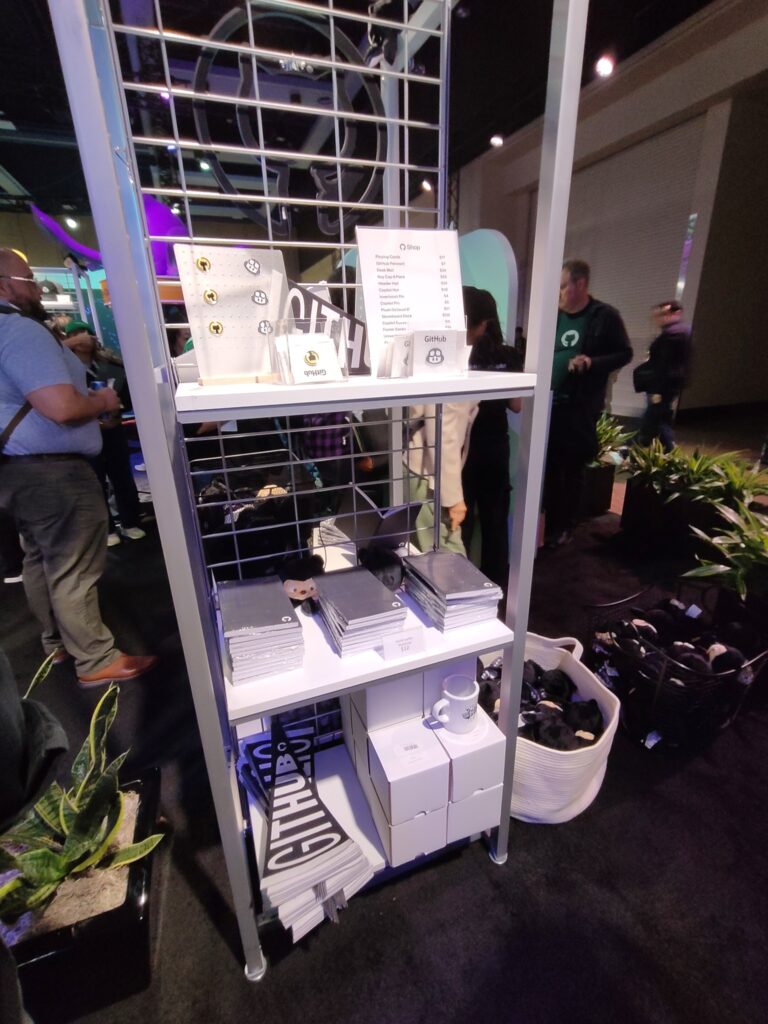
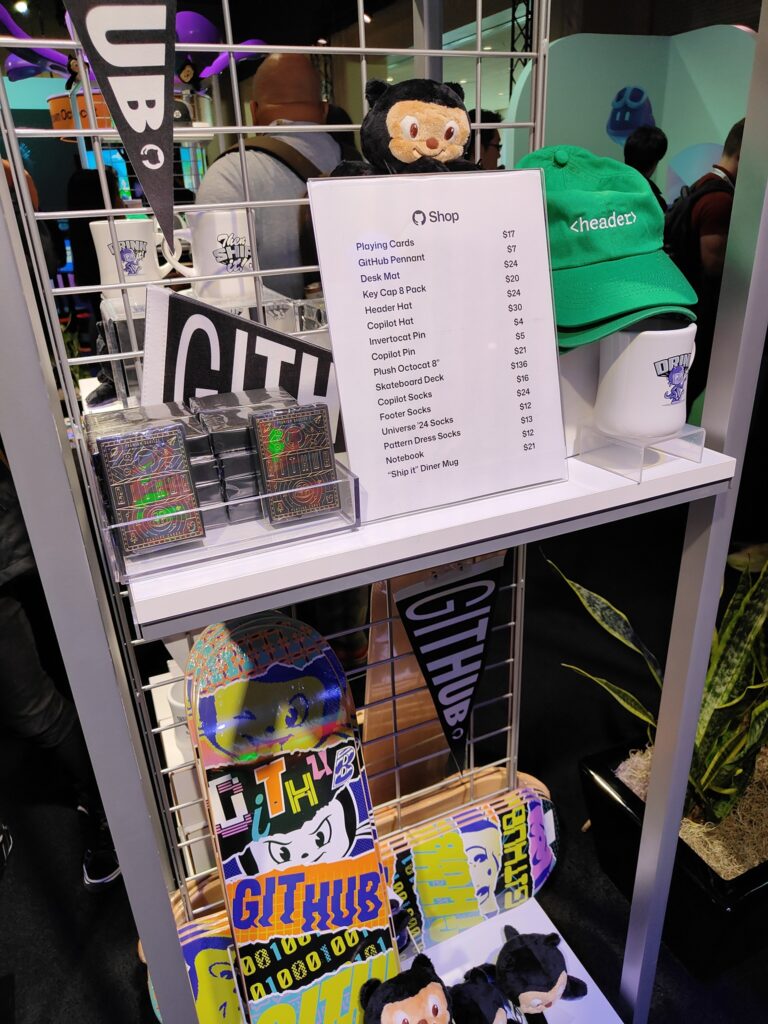
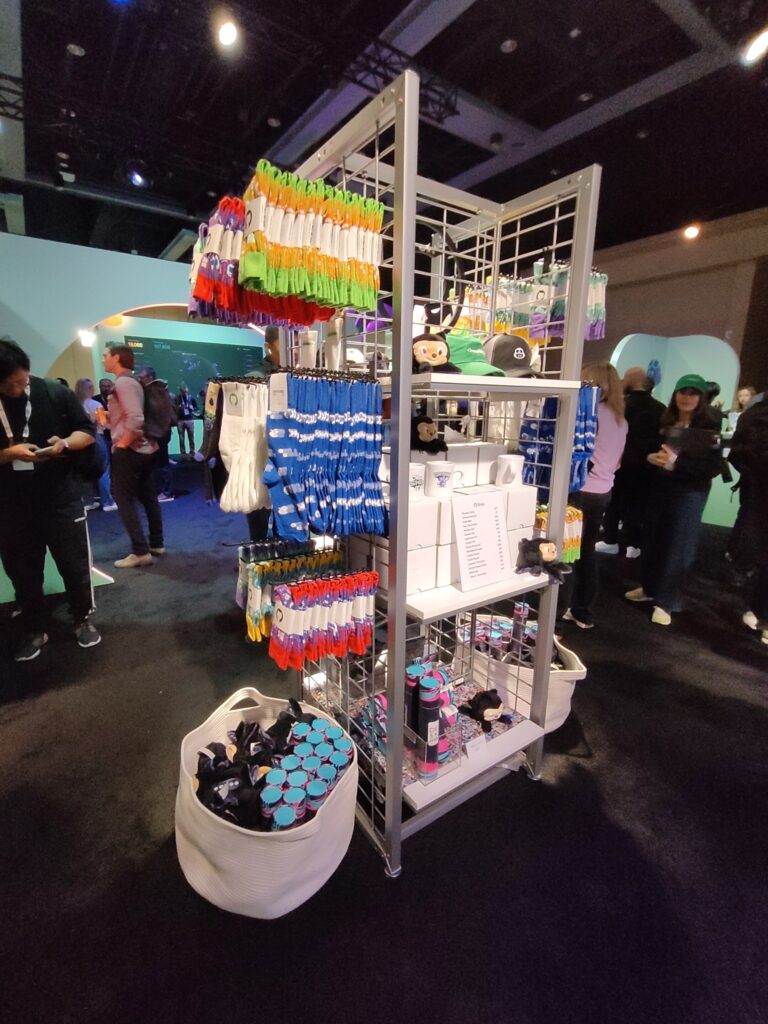
販売していたアイテムのリストは以下の通りでした。
- Playing Cards $17
- GitHub Pennant $7
- Desk Mat $24
- Key Cap 8 Pack $20
- Header Hat $24
- Copilot Hat $30
- Invertocat Pin $4
- Copilot Pin $5
- Plush Octocat 8″ $21
- Skateboard Deck $136
- Copilot Socks $16
- Footer Socks $24
- Universe ’24 Socks $12
- Pattern Dress Socks $13
- Notebook $12
- “Ship It” Diner Mug $21
今回の投稿では、Build開催期間中のThe Hubでマイクロソフトが展示したExperts Meetupエリアと、GitHubが展示していたGitHub Experienceエリアの紹介しました。次回の投稿の以降でもDay 2以降のシアトルの実会場の雰囲気を紹介します。
なお、基調講演の内容やセッションの内容には触れませんでした。それらの情報は、いろいろな方が発信していると思うのでそちらを参照していただくか、マイクロソフトが公式に公開している資料や映像(英語)を参照してください。
“Microsoft Build 2025 in Seattle #13 (Day 2: Microsoft Experts and GitHub Experience in The Hub)” への1件の返信